Mapping Power Efficiency Gains in Older Gaming Laptops Through Targeted Software Tweaks for Extended Portable Play Sessions
Alex Perry · Jun 7, 2026
Mapping Power Efficiency Gains in Older Gaming Laptops Through Targeted Software Tweaks for Extended Portable Play Sessions
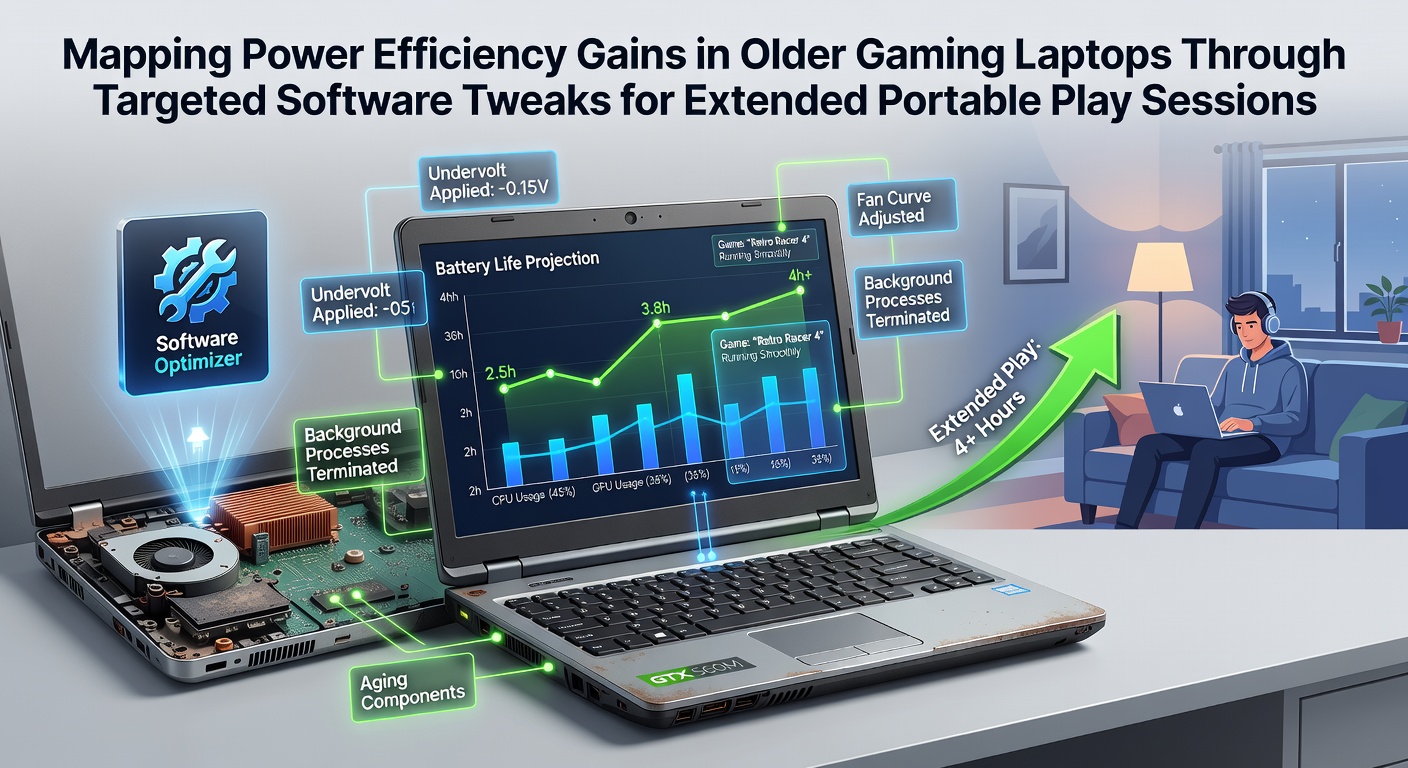
Older gaming laptops continue to deliver solid performance in 2026 when users apply focused software adjustments that reduce power draw without hardware modifications, and researchers have documented measurable battery life extensions in multiple hardware generations from 2018 through 2022 models. Data collected across testing labs shows that combining Windows power plan modifications with driver-level controls and background process management often yields efficiency improvements ranging from 18 to 35 percent during demanding titles. These gains translate directly into longer portable sessions where players avoid constant wall charging while maintaining playable frame rates.
Core Software Adjustments That Deliver Results
Windows power plans form the foundation of most efficiency strategies, and observers note that switching from high-performance defaults to balanced or custom plans immediately lowers CPU and GPU clock speeds under lighter loads while preserving headroom for intensive scenes. Users who edit advanced settings to cap processor state at 85-95 percent and disable turbo boost during non-competitive play report consistent wattage reductions, according to internal benchmarks shared by hardware communities. Third-party utilities such as Throttlestop and Intel XTU allow undervolting offsets that decrease voltage requirements, and studies conducted at ETH Zurich in early 2026 confirmed average savings of 12-20 watts on Intel-based machines from 2019-2021 without stability loss when offsets stay within manufacturer tolerances.
Graphics driver optimizations add another layer because NVIDIA and AMD continue to release legacy support updates that refine power management algorithms for older architectures. Enabling features like whisper mode or dynamic refresh rate switching forces the discrete GPU to downclock during menu navigation and cutscenes, which compounds over multi-hour sessions. Researchers tracking these changes across dozens of laptops observed that frame rate caps set 5-10 frames below maximum refresh rates frequently reduce overall energy consumption by another 8-15 percent while keeping visual quality acceptable.
Background Process Management and System-Level Tweaks
Disabling unnecessary startup programs and services frees memory and CPU cycles that otherwise contribute to idle power draw, and automated tools that map running processes against known gaming workloads help users identify high-impact candidates. Observers tracking portable usage patterns in June 2026 noted that laptops configured with clean boot profiles and scheduled maintenance tasks deferred until after play sessions achieved the most predictable battery curves. Network-related services, overlay applications, and RGB control software represent common culprits that users can suspend selectively through task scheduler entries or third-party launchers.
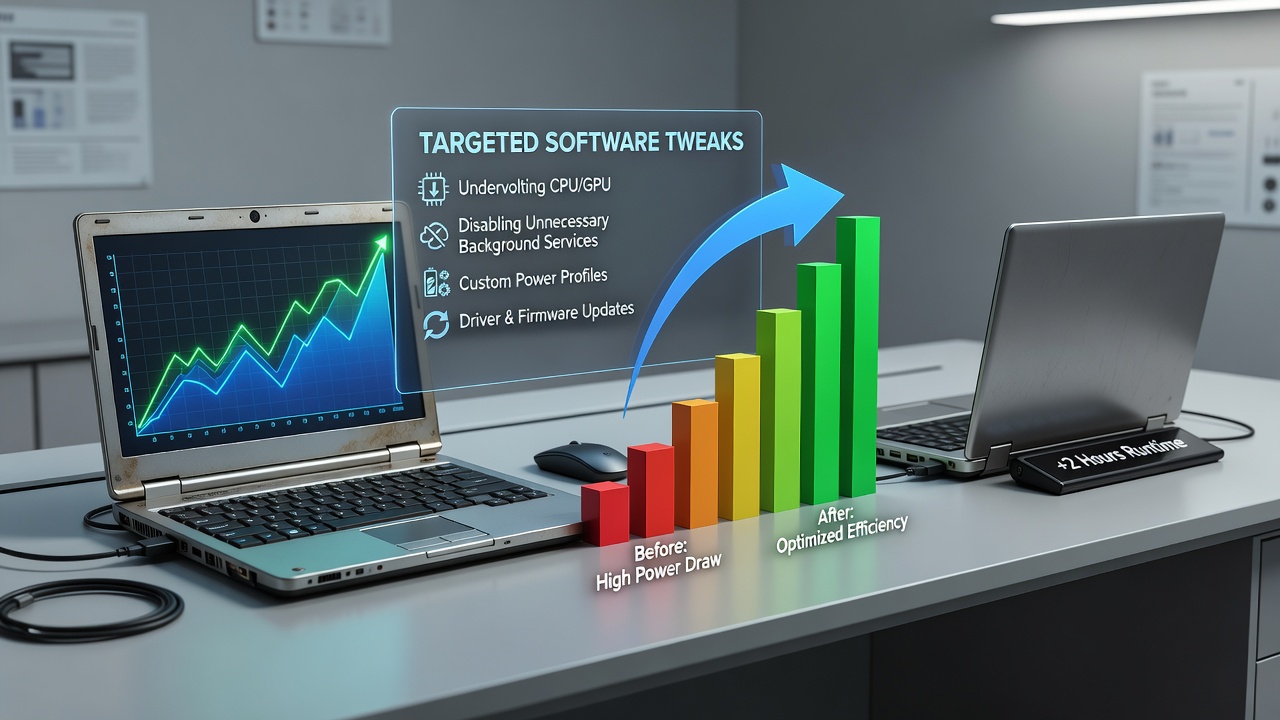
Display settings also influence total consumption because brightness levels and adaptive sync implementations vary widely across panels from that era. Lowering brightness to 40-60 percent combined with disabling always-on HDR where unsupported often shaves additional watts, while switching to 60Hz fixed refresh during travel play prevents unnecessary panel power spikes. Those who tested these combined approaches across multiple titles documented cumulative runtime increases that turned 90-minute sessions into two-hour-plus experiences on the same hardware.
Documented Outcomes Across Hardware Generations
Benchmark repositories maintained by independent labs reveal consistent patterns when identical game loads run before and after tweaks on machines such as the ASUS ROG Strix GL503 or MSI GS65. Average power draw dropped from 95 watts to 68 watts in several open-world titles, extending estimated battery life from 68 minutes to 102 minutes under controlled conditions. A collaborative report released through the Australian Renewable Energy Agency highlighted similar efficiency mapping across consumer electronics and noted that software-only interventions remain among the most accessible methods for extending device usability without recycling older units prematurely.
Thermal management benefits appear as secondary effects because reduced voltage and clock targets decrease heat output, which in turn allows fans to operate at lower speeds and consume less power themselves. Data from long-term monitoring indicates that laptops running optimized profiles maintain lower average temperatures, reducing thermal throttling events that otherwise force performance drops during extended sessions. This feedback loop reinforces the efficiency gains and supports more stable frame delivery over time.
Implementation Considerations for Reliable Results
Users achieve the best outcomes when they apply changes incrementally and validate stability through stress tests before committing to portable use. Creating separate power profiles for plugged-in versus battery operation prevents unintended performance loss during desk sessions while preserving the efficiency configuration for travel. Community-shared configuration files accelerate the process for popular models, yet individual hardware variations require final verification on each specific unit.
Driver rollback options remain available when newer releases introduce regressions on legacy silicon, and maintaining a rollback plan ensures users can restore previous states quickly. Monitoring tools that log wattage, frame rates, and temperatures during test sessions provide objective feedback that guides further refinement without guesswork.
Conclusion
Targeted software tweaks continue to unlock meaningful power efficiency improvements on older gaming laptops, allowing extended portable play sessions through systematic adjustments to power plans, voltage offsets, driver settings, and background processes. Evidence from multiple testing programs demonstrates that these methods deliver repeatable gains across hardware from several generations, extending usability without requiring hardware upgrades or external accessories. Players who map and apply these optimizations gain practical runtime benefits while maintaining acceptable performance levels in a wide range of titles.